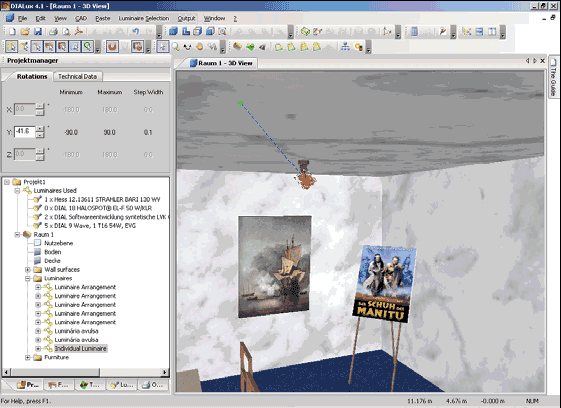
With DIALux it is possible in computer-aided lighting design to make use of all the mechanical properties of luminaires. In DIALux with 3D luminaire models it is possible, as in real life, to grasp the articulated joints and adjust them (spots, fully suspended systems, floodlights, street lighting). The manufacturer defines the articulated joints, the maximum rotation and even the increments of articulation. You simply click on the luminaire and turn it to where the light should be directed. Of course you can also do this numerically or graphically.
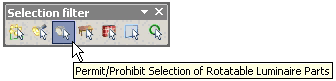
Fig. 155 Selection of rotatable luminaire parts
The third icon from left allows the selection of rotatable luminaire parts. If you have activated this icon, you can turn the luminaire with articulated joint to the desired position or you can specify the rotations in the appropriate Property Page.
Fig. 156 Turn the rotatable luminaire part by mouse pointer
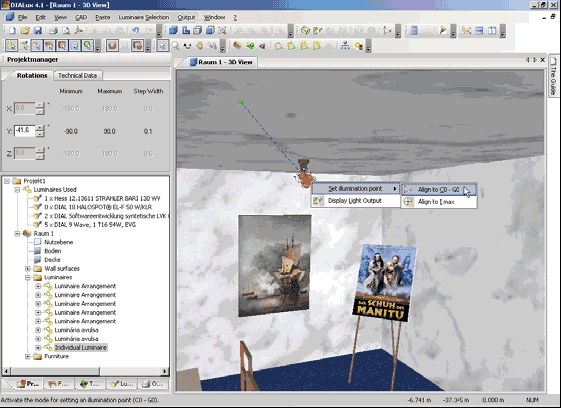
You can also align the luminaire with articulated joint to C0-G0, C90-G0 or Imax. (see similar chapter Aligning Luminaires).