Decoration objects are inserted just as other furniture in DIALux. After you have placed the furniture you can select the tab “calculation options” in the inspector and activate the checkbox “Use as decoration object”.
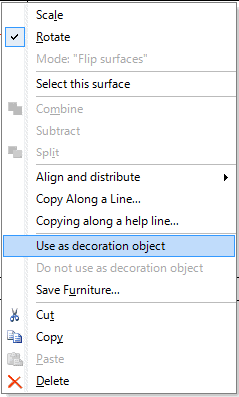
Alternatively you can mark in the project tree one or several models and open the context menu via right click. Choose the menu “Use as decoration object”.
Fig. 121 Context menu – decoration object
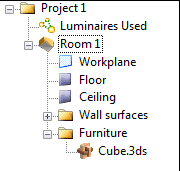
Decoration objects are marked with another symbol than furniture in the project tree.