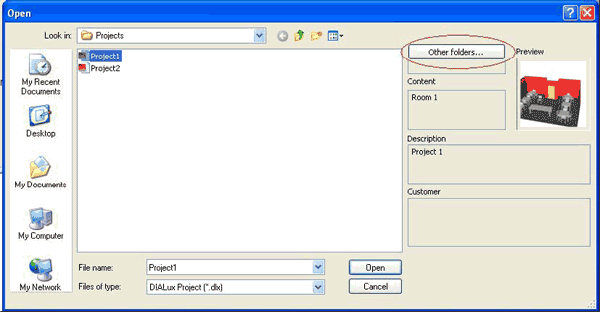
The file open dialog has changed in the latest version of DIALux. While opening an existing project the user can see the most important information about the file.
Fig. 75 Project preview
The information given in this dialogue about the project is the 3D view of the first room or exterior scene, information about the designer, the description and the name of the customer. The button “other folders” opens a list of directories formerly used to store DIALux projects in.