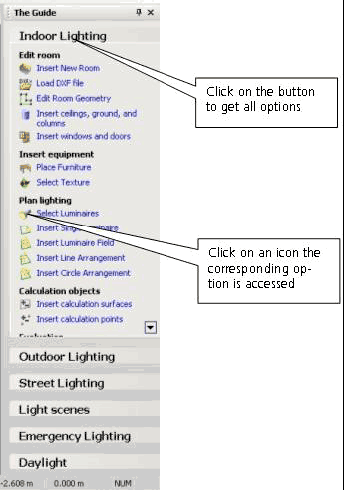
The connecting element which guides you through the programme.
The Guide accesses all work steps required for the planning. It provides a “connecting thread” and helps you achieve your aims quickly.
Fig. 49 The Guide
If you click on an icon in The Guide, the corresponding option is directly accessed. If you hold the mouse pointer on Indoor Lighting all options for planning a room will be available.
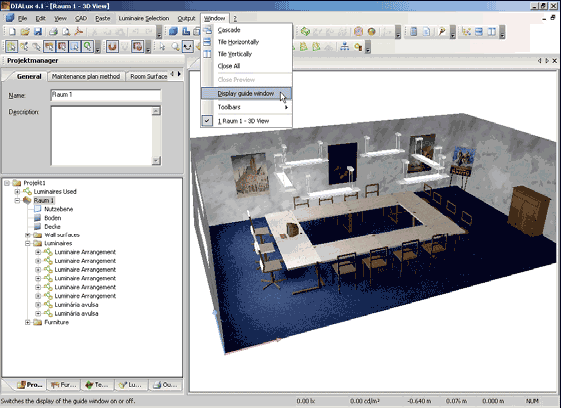
If The Guide is hidden you can access it with DIALux 4.5, the function Display guide window is in the menu Window.